 Walk Analytics
 Every Step. Tracked.
Health and fitness insights from your daily movement.


Health ScoreCardiovascularFitness
 Walk Analytics
 Health and fitness insights from your daily movement.
Screenshots
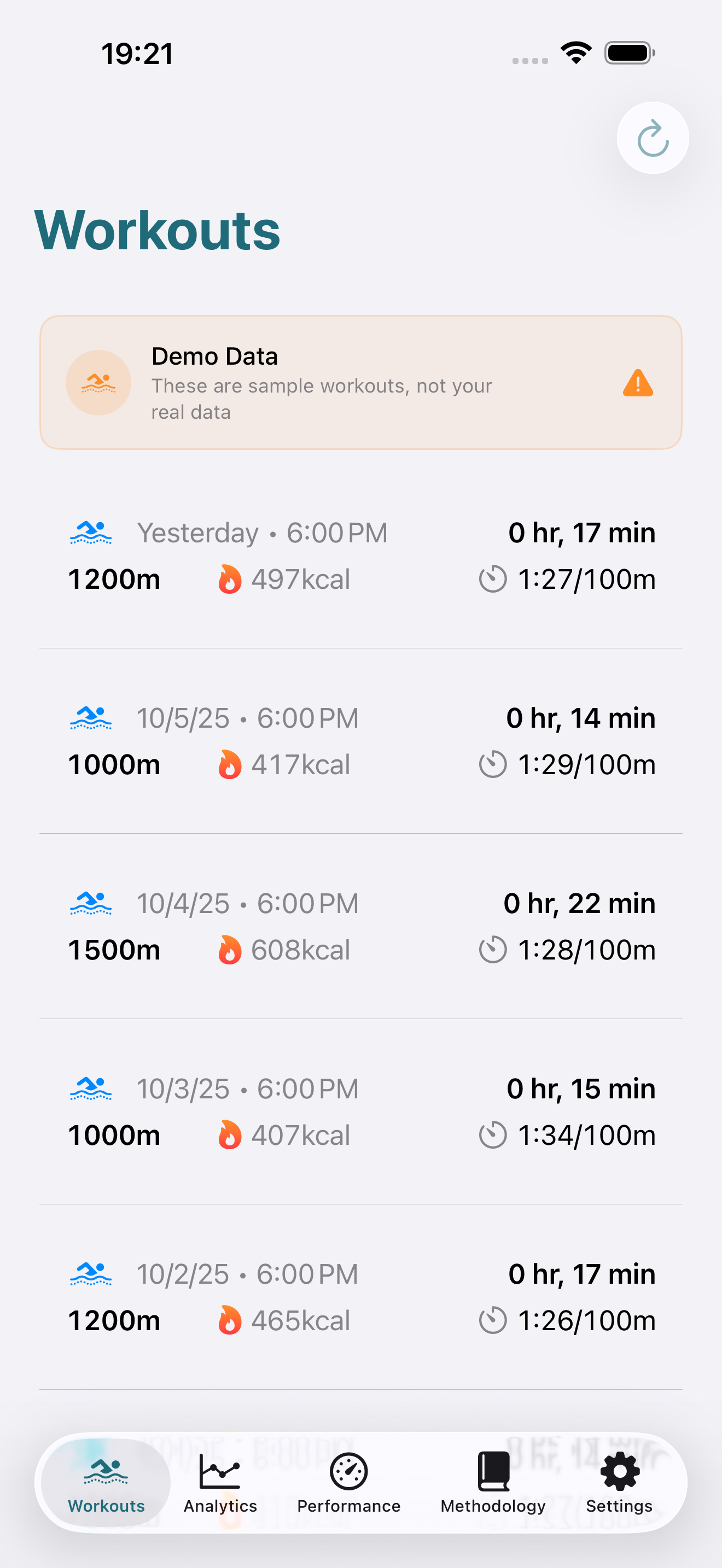
Real app screens for reviewing your walk data.
FEATURES
Stride length, cadence, asymmetry, and double support time from Apple Watch data.
Estimate cardiovascular fitness from walking data and track improvement over time.
Personalized heart rate zones for walking. Know when you are in aerobic or fat-burning range.
A single score combining mobility, cardiovascular fitness, and activity consistency.
Weekly and monthly walking trends with automatic anomaly detection.
Your walking data stays on your iPhone. No cloud uploads, no account required.
Walk Analytics
Ready to elevate your game?
Choose the sport-specific analytics application that fits your athletic goals.